Monday
Monday: Welcome to the Fix-It Bay
A new sign over a Beacon Station workshop says Fix-It Bay. Rocket bursts in with a tablet. "A neighbor says this is broken!" he says. "It will not wake up."
Raven turns the tablet over slowly. "What do you notice?" she asks. "It has a screen, a button and a little port."
Nova hovers above the bench, her cyan lights glowing. "A computer is a team of parts," she says. "Would you like a hint? Teams need every player."
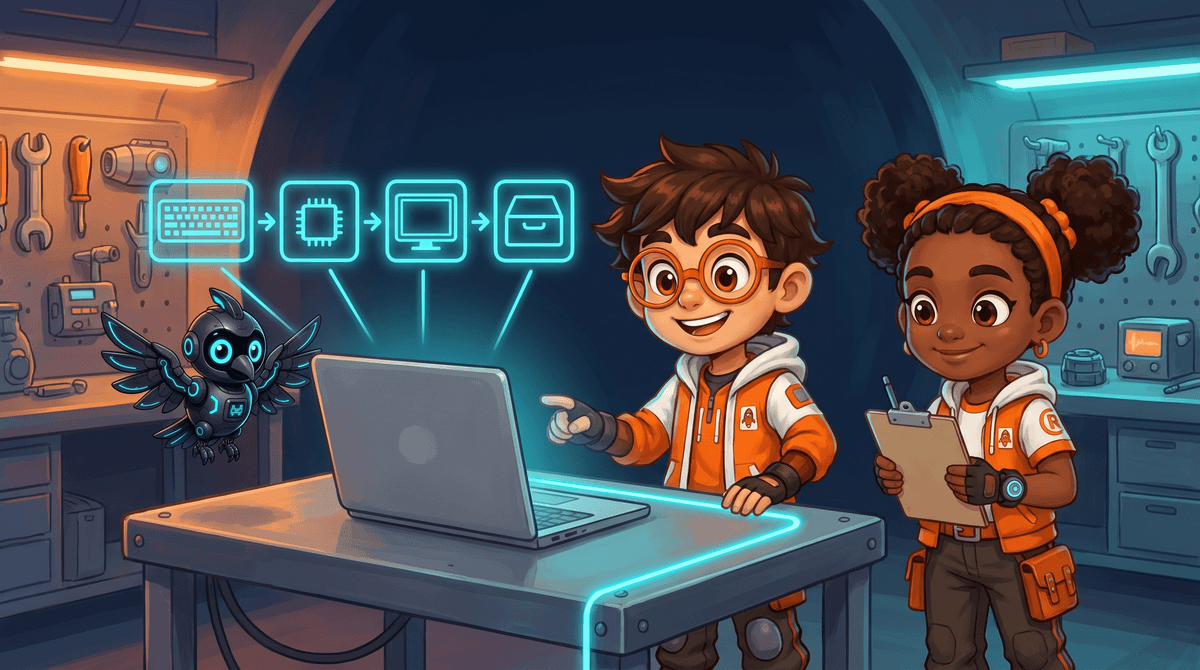
A computer is a system
A system is a group of parts that work together to do a job.
Your body is a system. Your eyes, brain, hands and heart each do one job. Together they let you catch a ball.
A computer is a system too. No single part is the computer. The parts only work as a team.
| Part | Its job | Like this part of you |
|---|---|---|
| Input | Takes information in | Eyes and ears |
| Processor | Follows instructions and works things out | Brain |
| Memory | Holds the work it is doing right now | Thinking in your head |
| Storage | Keeps files for later | A notebook |
| Output | Shows or plays the result | Voice and hands |
| Power | Gives every part energy | Food and sleep |
The tablet in the story has all six parts, packed into one flat case.
When one part stops, the whole team stops. That is why a dead battery looks like a broken tablet.
Meet the Fix-It crew
This course is about what is inside a machine and how the parts work together.
Every week, neighbors bring devices to the Fix-It Bay. The crew figures out what is wrong.
Rocket brings each case and loves to jump in. Raven slows down and asks what we notice. Nova gives hints and explains what it is like inside a machine.
You are the newest crew member. Your title is Crew Technician in training.
- Grown-ups handle plugs, chargers, batteries, cases and screws.
- The crew never opens a device. We look, listen and think.
- A mistake is a clue, not a failure.
- Read the question.
- Tap your answer.
| Statement | True or false? |
|---|---|
| A computer is one single part. | ? |
| The processor is like the brain of the computer. | ? |
| Input takes information in. | ? |
| If one part stops, the other parts can still finish the job. | ? |
How the crew works a case
Every case in the Fix-It Bay follows the same four moves.
First we notice. We look and listen before we touch anything.
Then we name the part. Is it input, output, power or something else?
Then we test one thing at a time. Then we ask a grown-up for anything with a plug.
- Notice: look and listen first.
- Name it: which part could be the problem?
- Test one thing: change only one thing, then check again.
- Ask: a grown-up handles plugs, chargers and cases.
Point to the parts you can see: screen, buttons, speaker, port.
Say which job each part does: input, output or power.
A grown-up handles any charger or cable.
Great start, Crew Technician! You met the crew and the six parts of a computer. Tomorrow you will sort the parts you can touch from the parts you cannot.